
Managed IT
Co-managed IT: backing up your in-house IT team
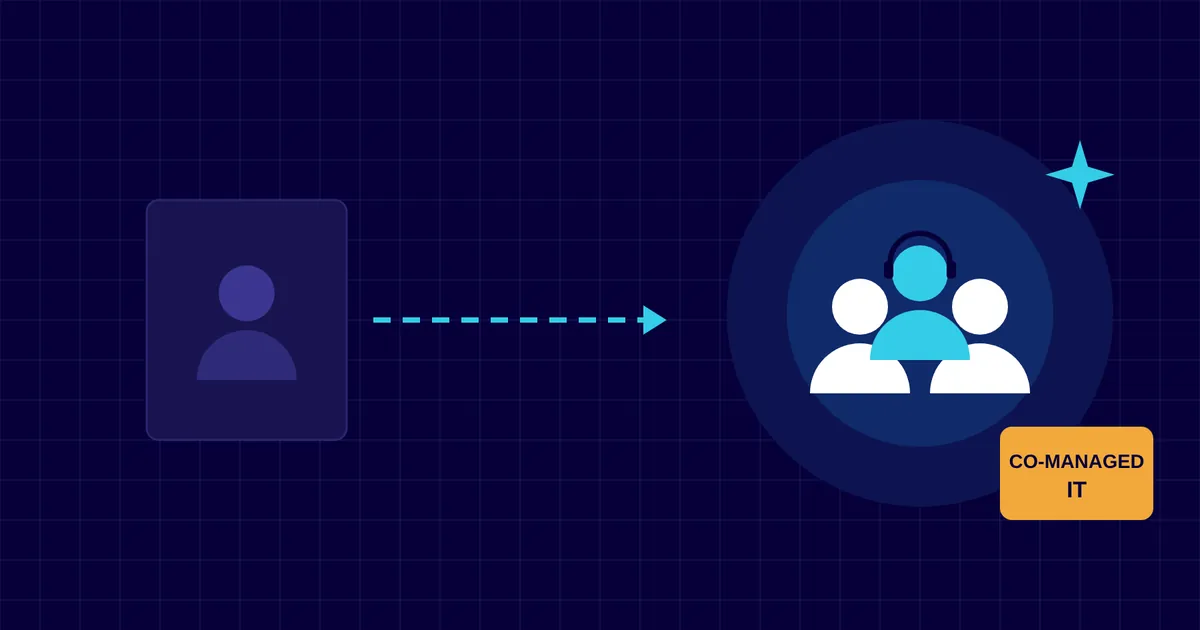
One IT person can’t be on call all year, cover every specialism and still find time to plan. Co-managed IT gives them a team to lean on while they stay in charge.
By the CNS team · · 4 min read
Key takeaways
- Co-managed IT adds a partner’s people and tools to your own IT team.
- Your team keeps control and the relationship with your staff.
- Hand over the work that’s hard to cover alone: out-of-hours monitoring, patching, security and projects.
- Write down who does what, so every job has a clear owner.
Signs your IT team needs back-up
- Holidays and sick days leave nobody covering the helpdesk.
- Patching and backups slip when the day fills up with requests.
- Security tools are installed, but nobody has time to watch the alerts.
- Projects such as a Microsoft 365 migration or a new office keep getting pushed back.
- Your IT person is the only one who knows the passwords and how things are set up.
How co-managed IT works
Your IT person or team stays the first point of contact for your staff. We work alongside them, with access to the same systems and, where it helps, the same helpdesk and monitoring tools.
Together we agree which jobs are ours, which are theirs and how work moves between us. They can pass us a ticket at any time, and we escalate to them anything that needs their knowledge of your business.
What you can hand over
- Out-of-hours monitoring of servers, network and security alerts.
- Patching and updates for computers, servers and network equipment.
- Security operations, such as reviewing alerts and managing email security.
- Holiday and sick cover for the helpdesk.
- Projects that need extra hands or specialist skills.
- Planning: a virtual CIO to help with budgets, roadmaps and policies.
Make the split clear
The most common problem with shared IT is work that each side assumes the other is doing. A short responsibilities list fixes that. Set out each area, such as backups, user accounts, Microsoft 365, firewalls and devices, and name who owns it.
Keep shared documentation of how your systems are set up, and make sure more than one person can reach critical accounts. Review the split every few months, as your business and your team change.
How CNS can help
Our co-managed IT service supports in-house and overseas IT teams across Cayman. We cover the hours, skills and projects your team can’t, and our virtual CIO service helps with planning and budgets.
Sources
More insights

Questions about your own setup?
Talk to a Cayman IT expert. No obligation, no jargon.